Olivier Audino
Webinar
Tail Spend: The Overlooked Lever to Free Up Your Buyers' Time
Tuesday March 31 at 2:00 PM

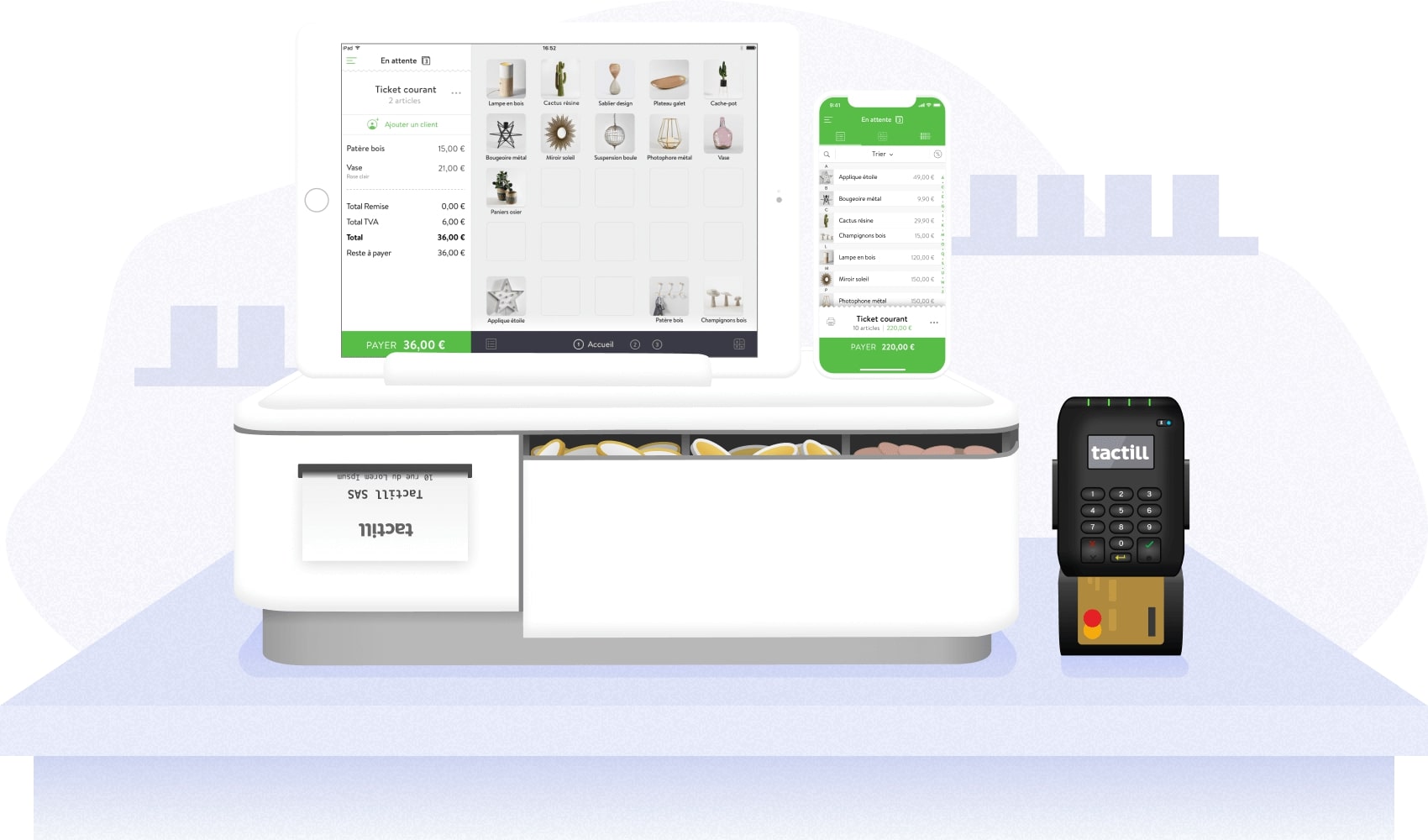

A modern cash register is much more than a device for taking payments. For many retailers, restaurants, cafés and service businesses, the point-of-sale system has become a central tool for sales, inventory, reporting and customer management. Choosing the right solution therefore means comparing both the hardware and the software behind it.
Traditional cash registers are increasingly being replaced by connected systems that run on tablets, smartphones or dedicated touchscreen terminals. A modern POS can process transactions, update stock levels and provide sales data in real time. This reduces manual entry and gives managers a clearer view of day-to-day activity.
For staff, an intuitive interface can shorten training time and reduce checkout errors. For customers, faster transactions and flexible payment options can improve the in-store experience.
Before choosing a cash register, compare the functions that matter most to your business:
Ease of use is one of the first criteria to review. A system that is technically powerful but difficult for employees to operate can create unnecessary friction. Mobility is also important for businesses that need to take payments away from a fixed counter or across multiple areas of a store.
Budget should be assessed beyond the initial purchase price. Compare subscription fees, hardware costs, payment integrations, maintenance, support and future upgrades. If your business is subject to specific tax or accounting rules, verify that the chosen software meets the current legal and compliance requirements that apply in your market.
A connected cash register can simplify several recurring management tasks. Sales data can be consolidated automatically, stock movements can be tracked without manual reconciliation, and managers can access performance information remotely. Multi-store businesses may also benefit from centralized reporting across several locations.
Integration with accounting, e-commerce and payment tools is another important point. A well-integrated POS reduces duplicate data entry and helps keep online and in-store information consistent.
Businesses can choose between purchasing equipment outright and using a subscription or leasing model. Buying may provide more control over hardware costs, while a subscription can lower the initial investment and include software updates or support. The right option depends on cash flow, expected usage and the speed at which the business expects its needs to evolve.
A classic cash register mainly records transactions and prints receipts. A connected POS can also manage inventory, reporting, customer data and integrations with other business tools.
For many small shops and service businesses, a tablet-based or cloud POS can be a practical option because it is flexible, relatively easy to deploy and scalable as the business grows.
Yes. Many modern systems connect through native integrations or APIs with e-commerce platforms and accounting tools. This can help synchronize inventory and sales data between online and physical channels.
Compare usability, hardware compatibility, payment options, reporting, integrations, support quality, total cost of ownership and any compliance requirements that apply to your business.
The best cash register is not simply the one with the most features. It is the solution that matches your operating model, is easy for staff to use and integrates with the tools already supporting your business. A structured comparison of functionality, cost, support and scalability will make the selection process more reliable and reduce the risk of changing systems again too quickly.



.svg)